









✓ iPhone and Android✓ Mac, Windows, Chromebook by USB-C✓ Runs on its own battery
Ori-nota · Leaf printer
The printer that never needs ink.
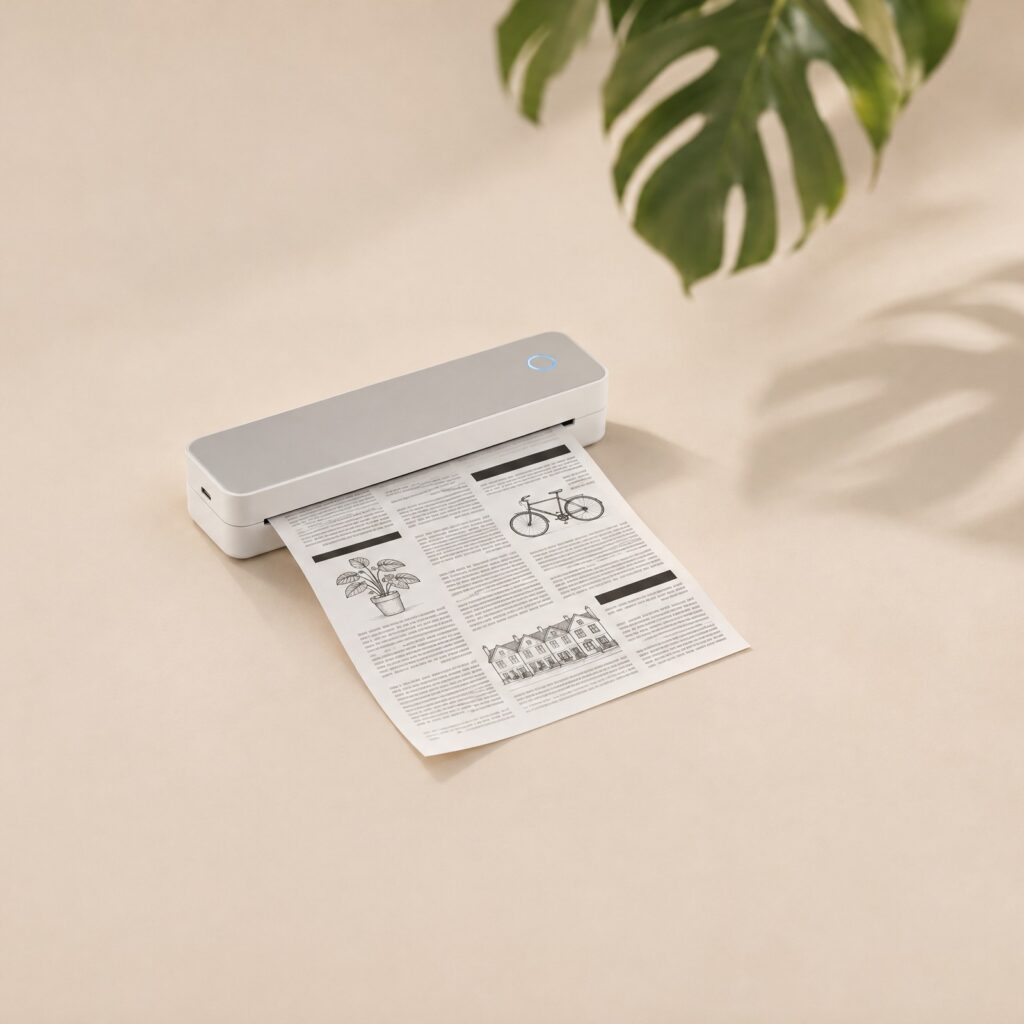
No ink, toner or cartridges. It prints with heat on thermal paper, in black and white.
Order today, arrives Dec 4–11 · free US shipping
30 days to return it. Not for you? Send it back within 30 days of delivery.
What it prints on
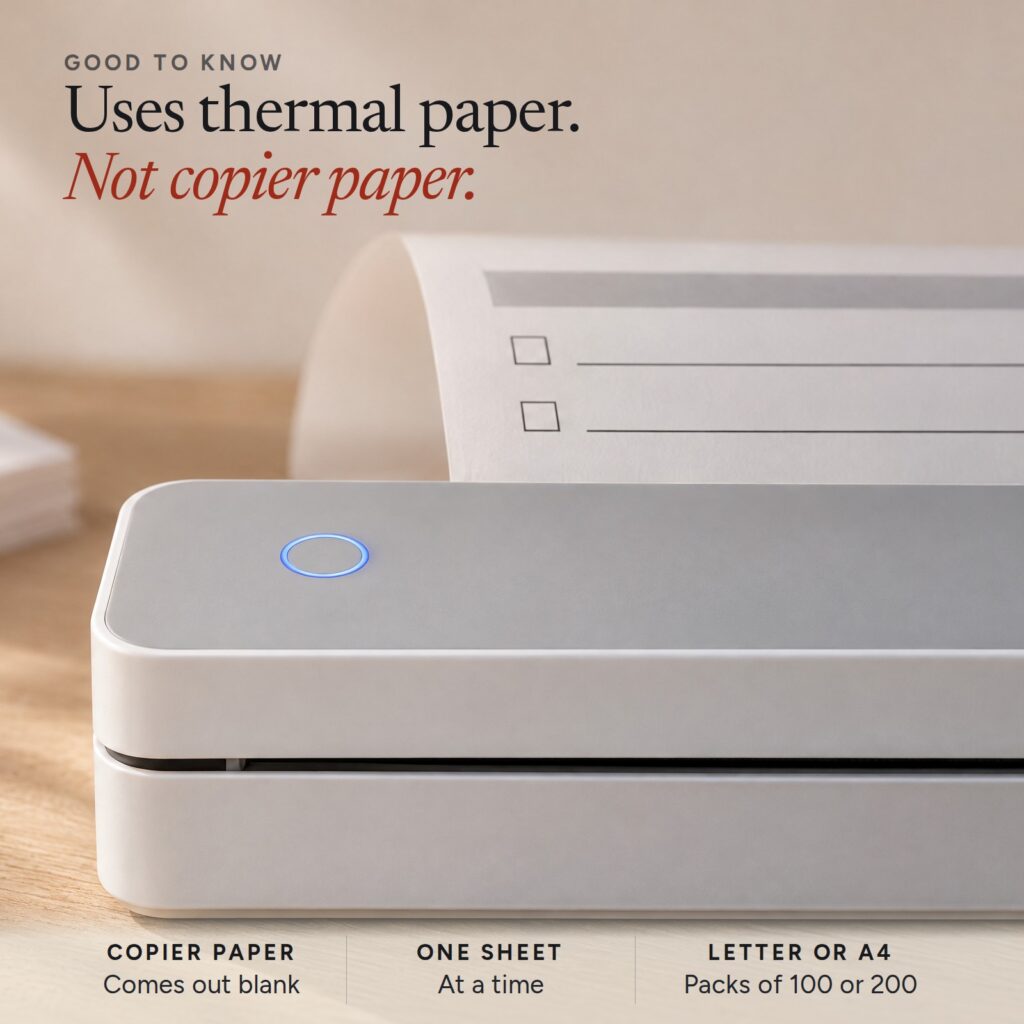
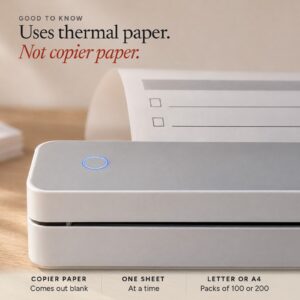
- Thermal paper only. Plain copier paper will not print.
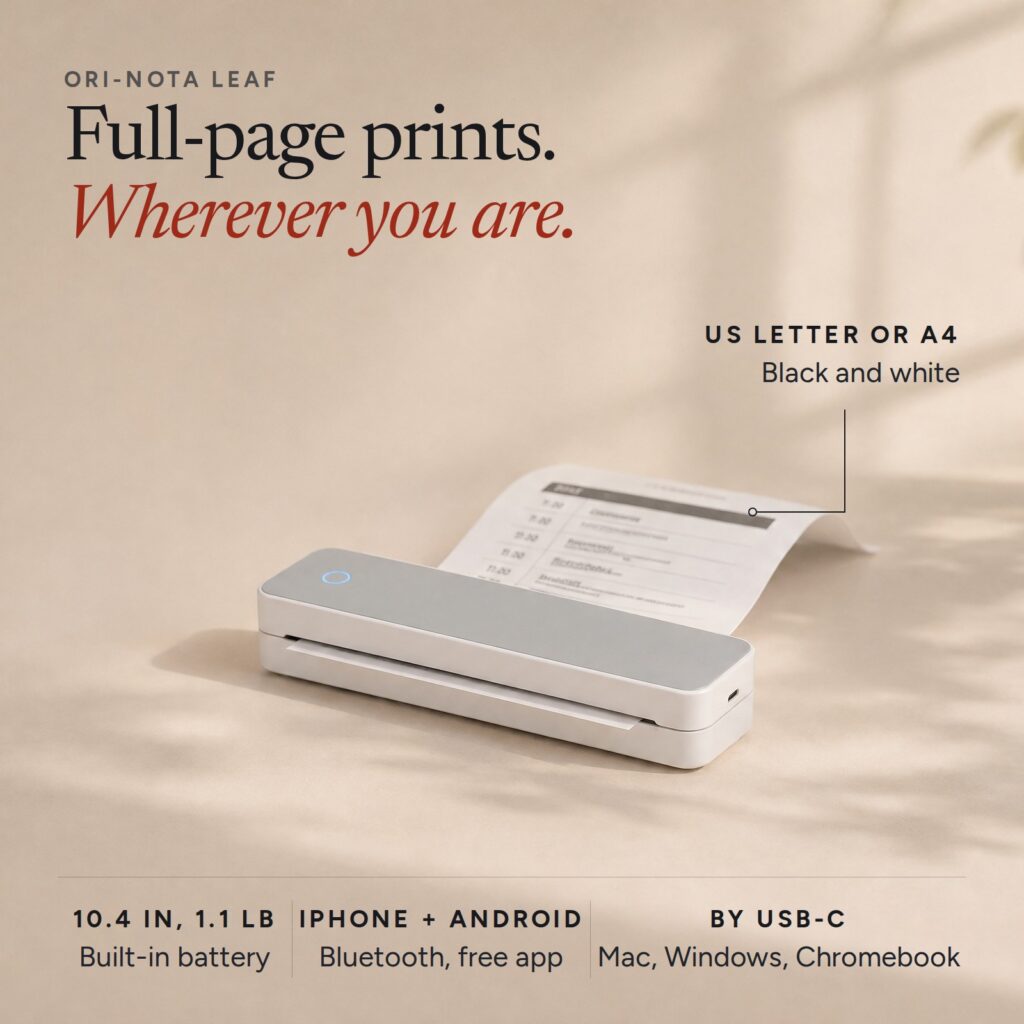
- Letter, A4 and A5 sizes.
- Black and white.
- 10 sheets of starter paper come with each printer.
What’s included
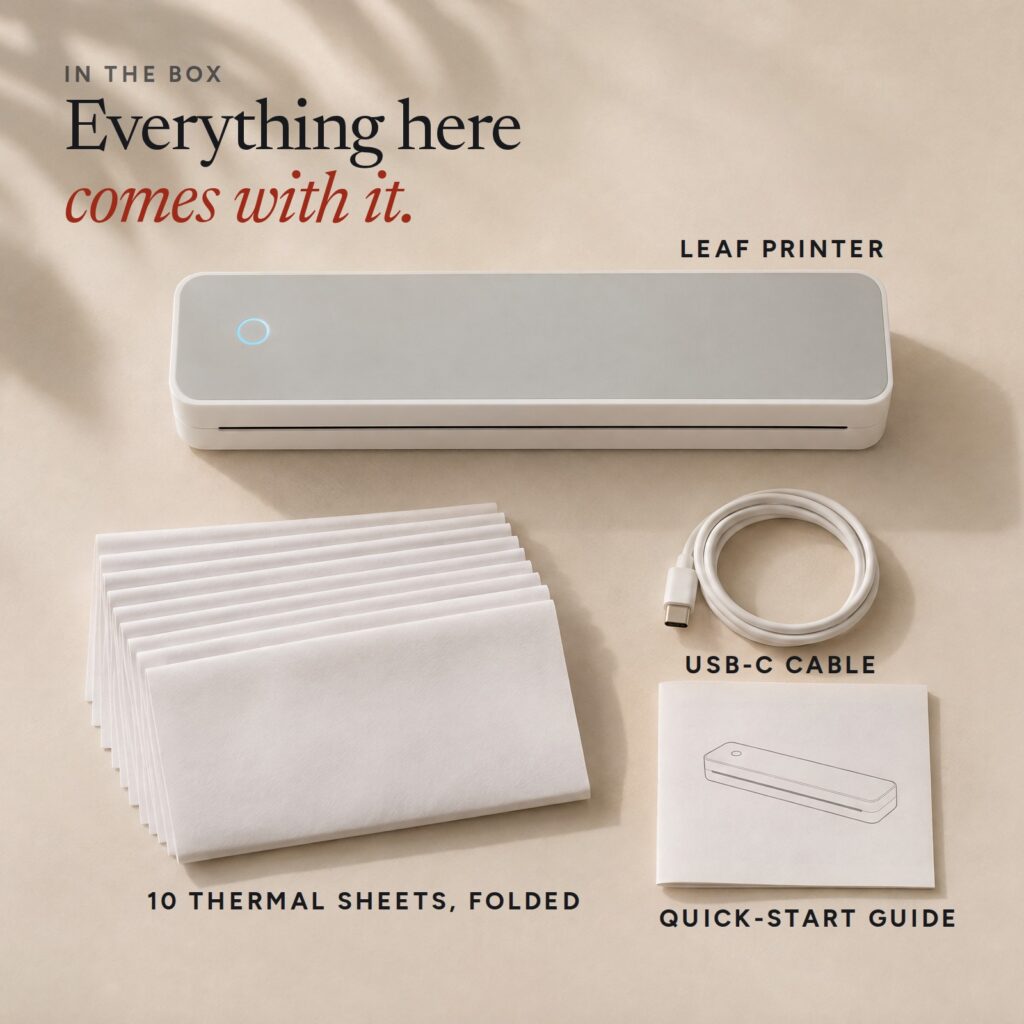
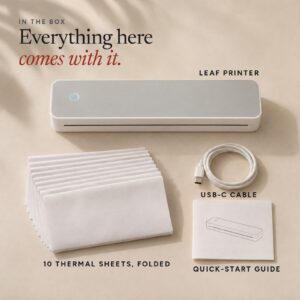
- The Ori-nota Leaf printer
- 10 folded sheets of thermal paper
- USB-C cable
- Quick-start guide
Size and specs
- Prints
- Black and white, on thermal paper
- Paper sizes
- US Letter, A4, A5
- Connects
- Bluetooth (iPhone, Android); USB-C (Mac, Windows, Chromebook)
- App
- Free HerePrint app
- Power
- Built-in 2000 mAh battery, USB-C
Prints from your phone with the free HerePrint app. See how it works ↓
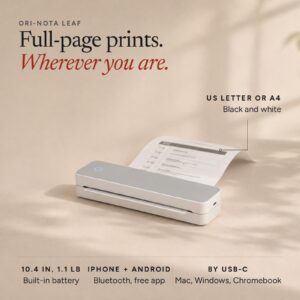
✓ iPhone and Android✓ Mac, Windows, Chromebook by USB-C✓ Runs on its own battery
No ink.
No outlet.
No desk.
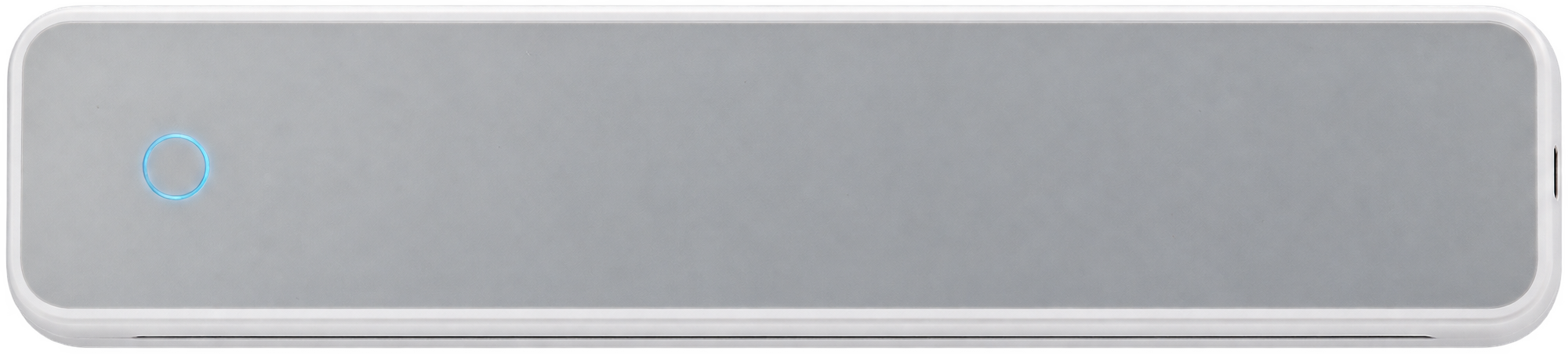
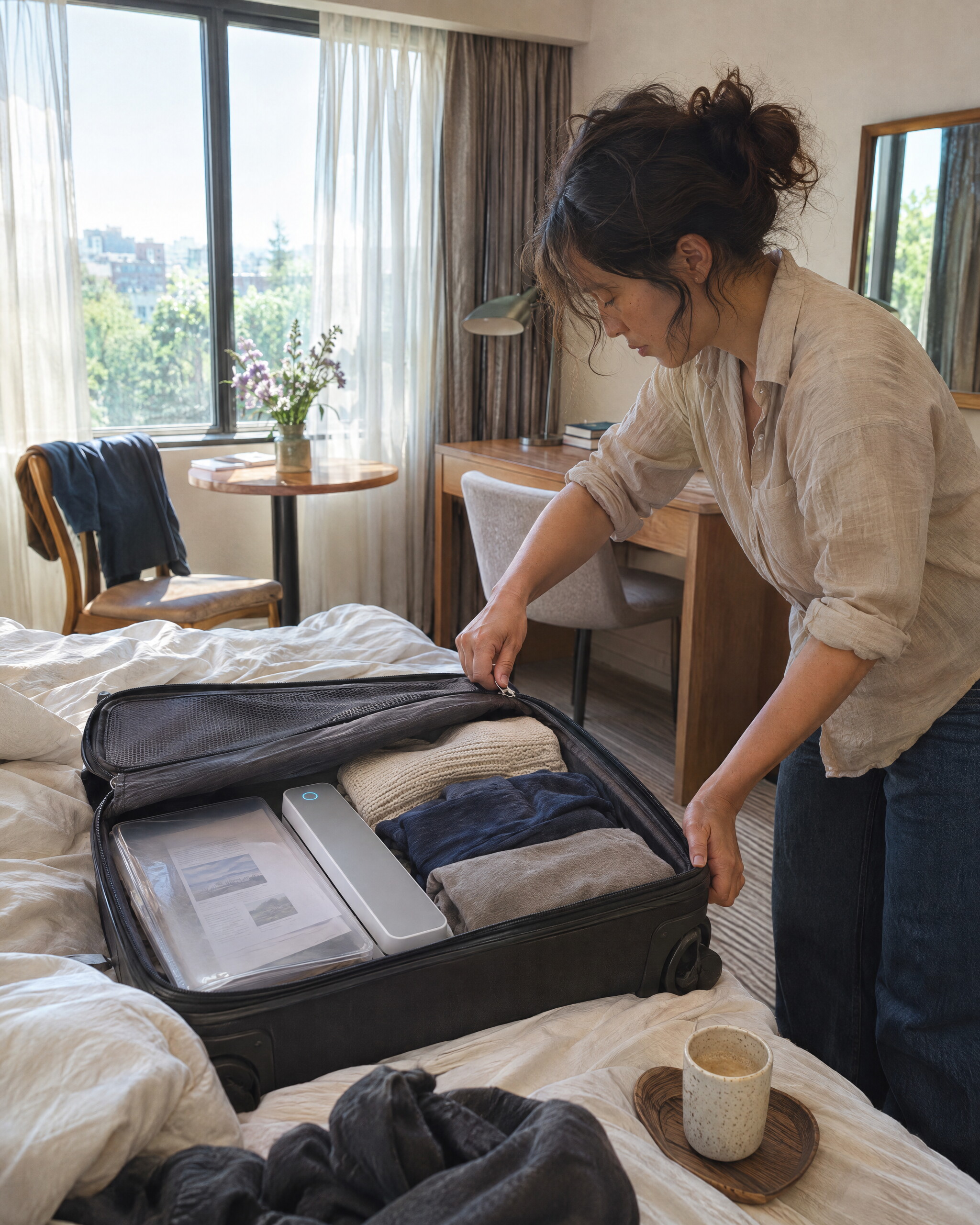
A full Letter or A4 page, not a receipt, printed from your phone wherever you are.
- Weight
- 1.1 lb
- Pages
- Letter · A4
- Ink
- None
- Power
- Battery
§ 01 No ink
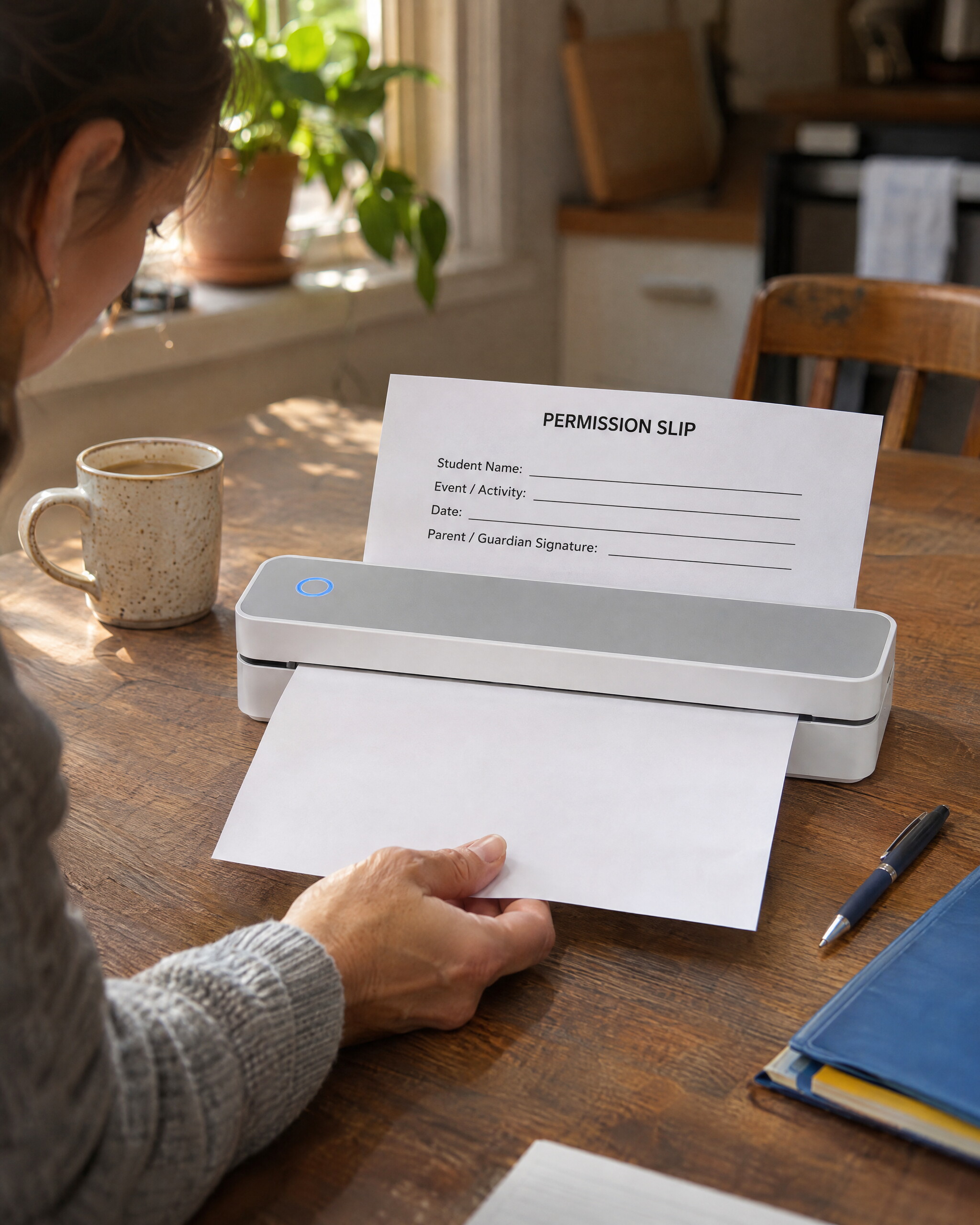
The paper is the ink.
The Leaf prints with heat on thermal paper. No cartridges to buy, dry out or run low.
- Ink
- $0
- Cartridges
- 0, ever
- Paper
- from 17.5¢ a page
200 sheets $34.99 · 100 sheets $19.99 · 10 in the box
Good to know
- Thermal paper only. Copier paper comes out blank.
- Black and white only. A page printer, not a photo lab.
- One sheet at a time. No tray to carry.
§ 02 A day
It goes where you go.
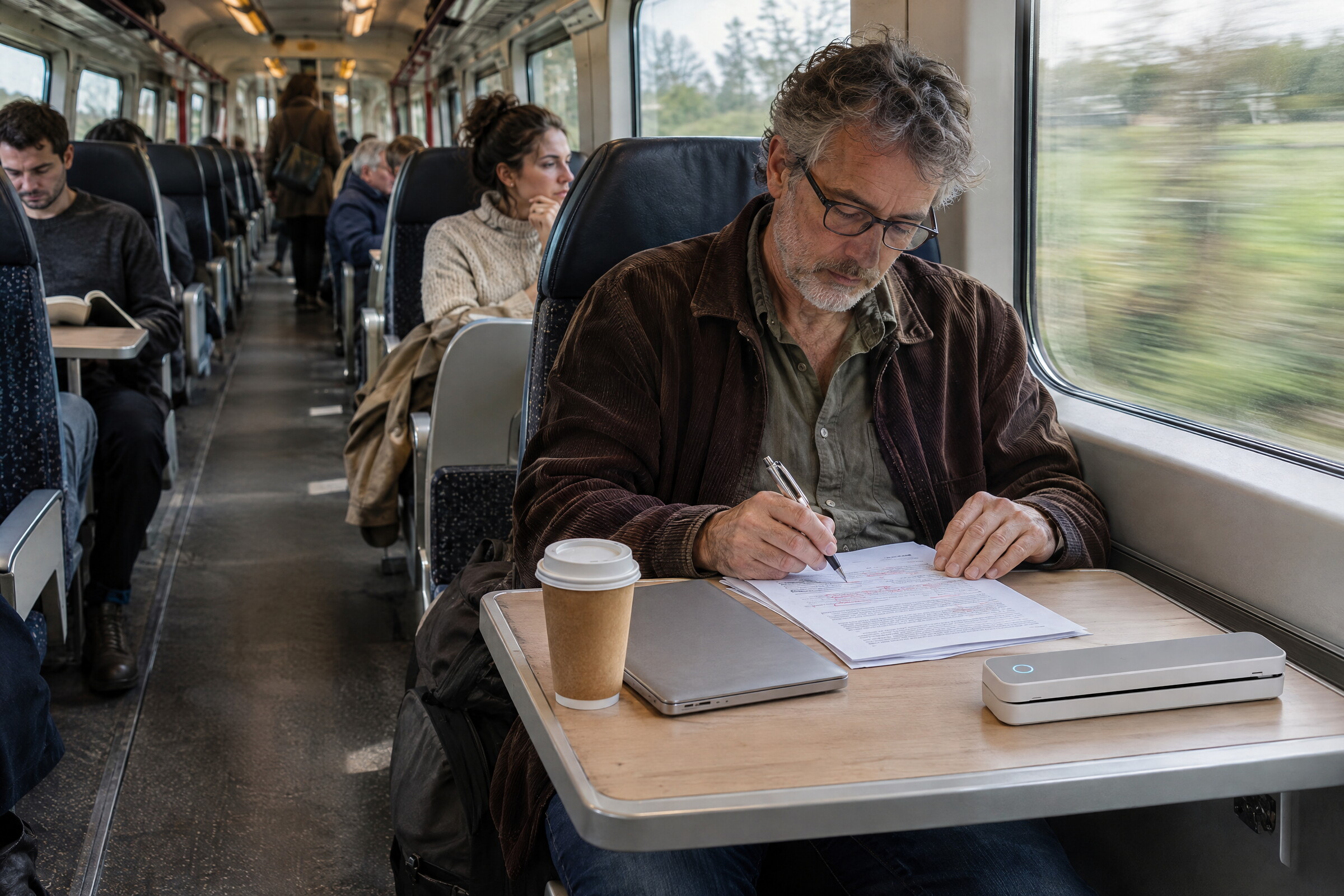
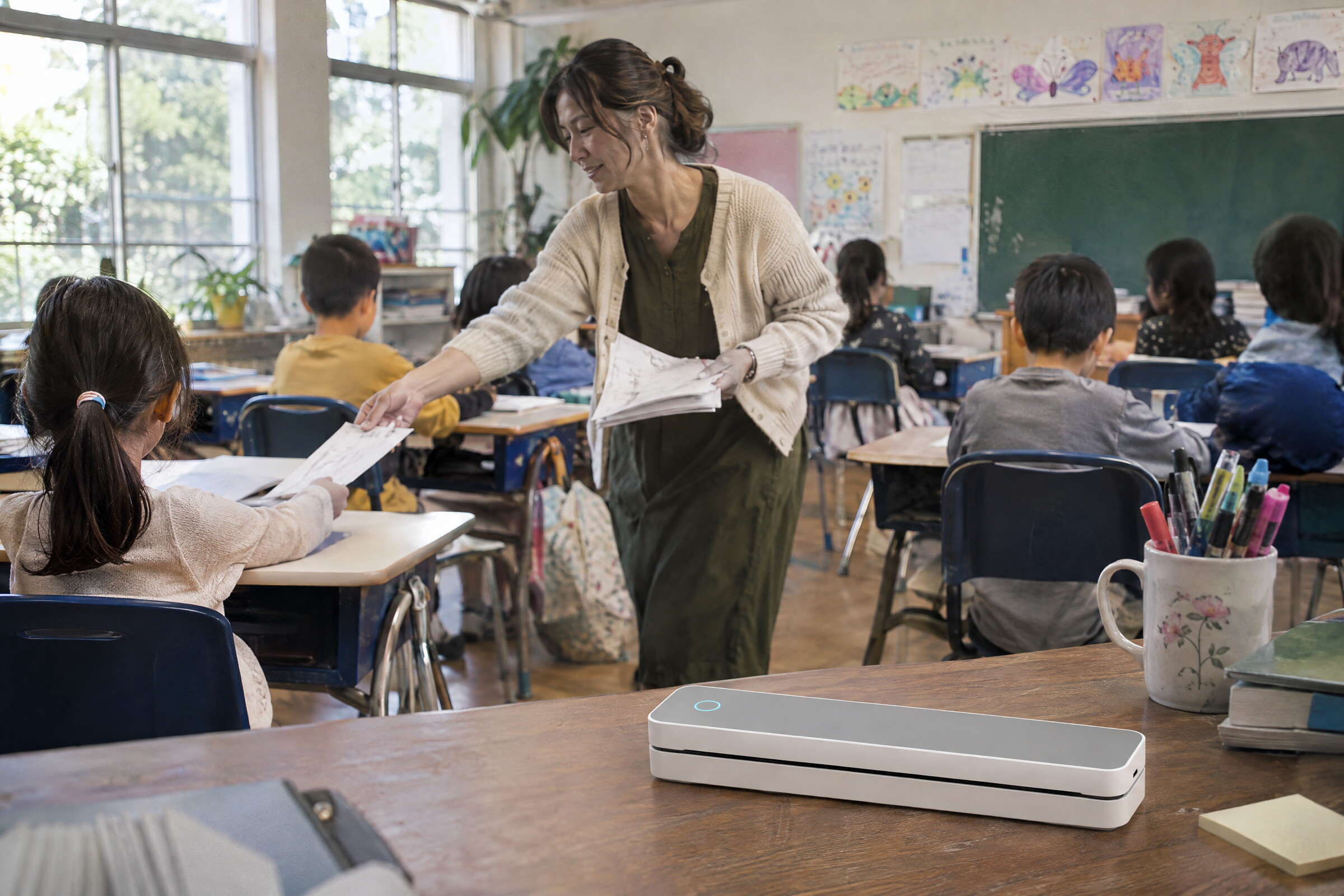


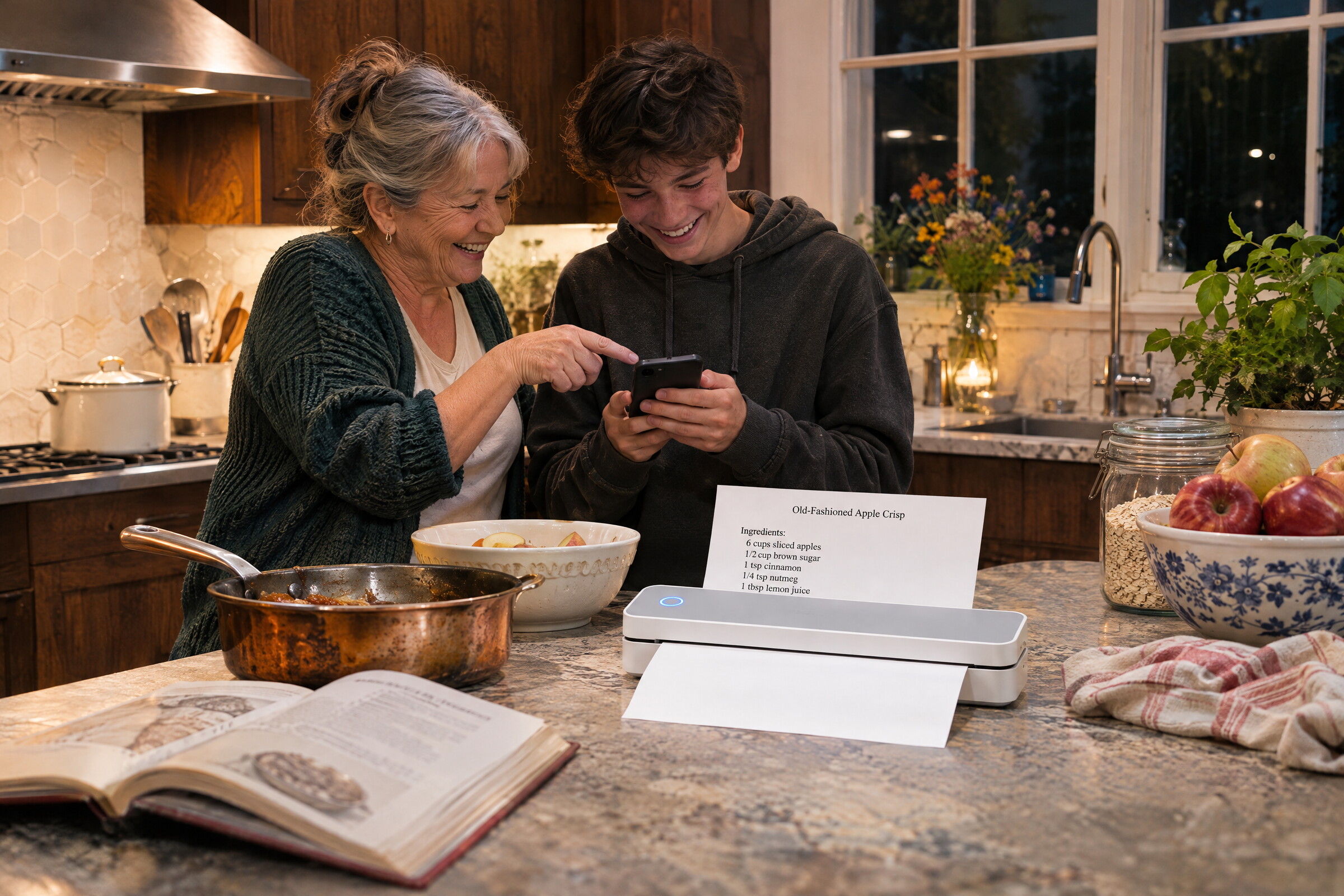
§ 03 Setup
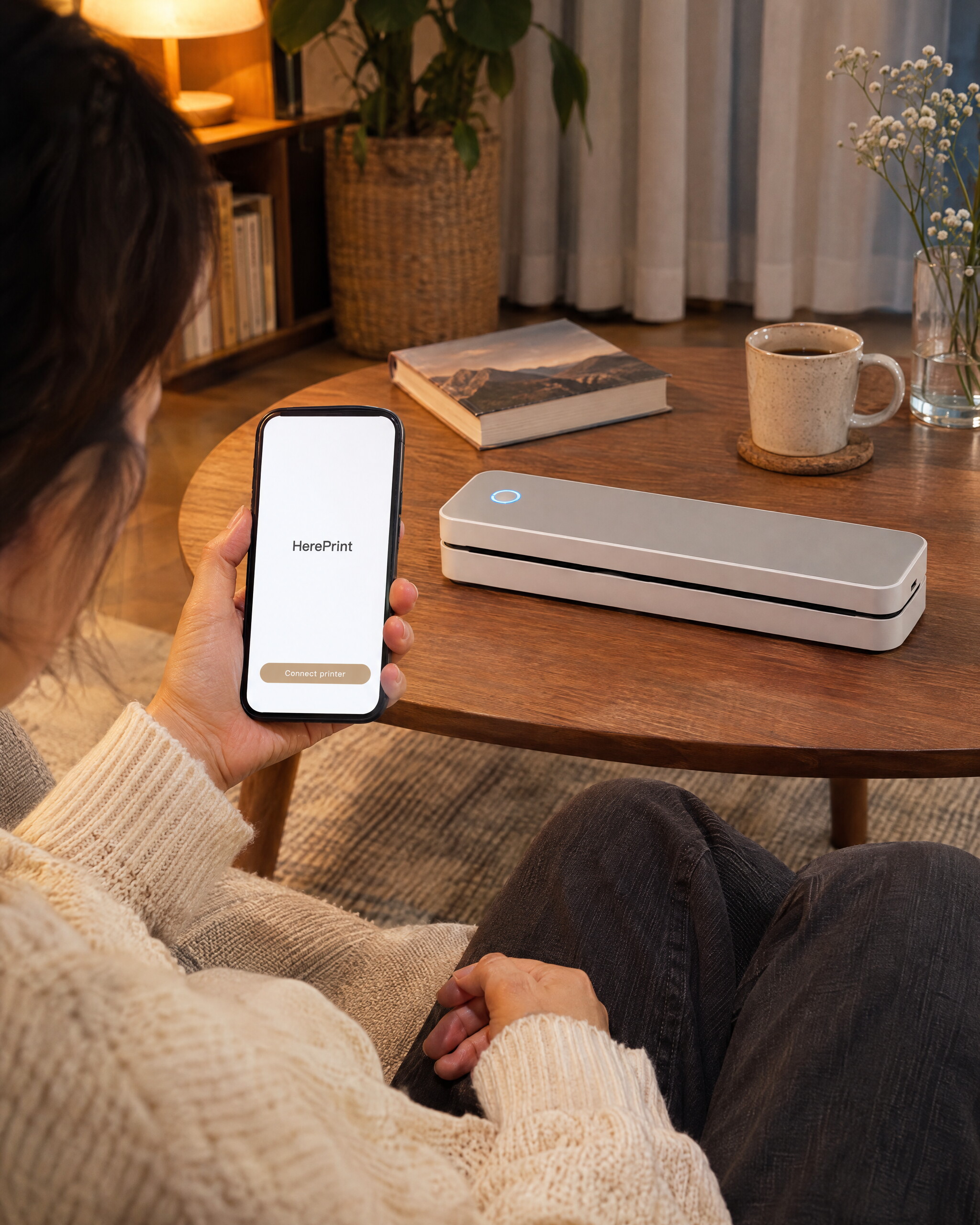
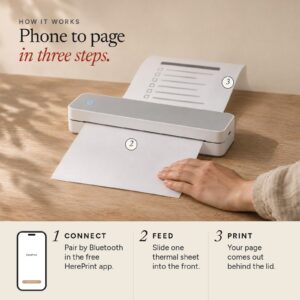
Pair once. Then print.
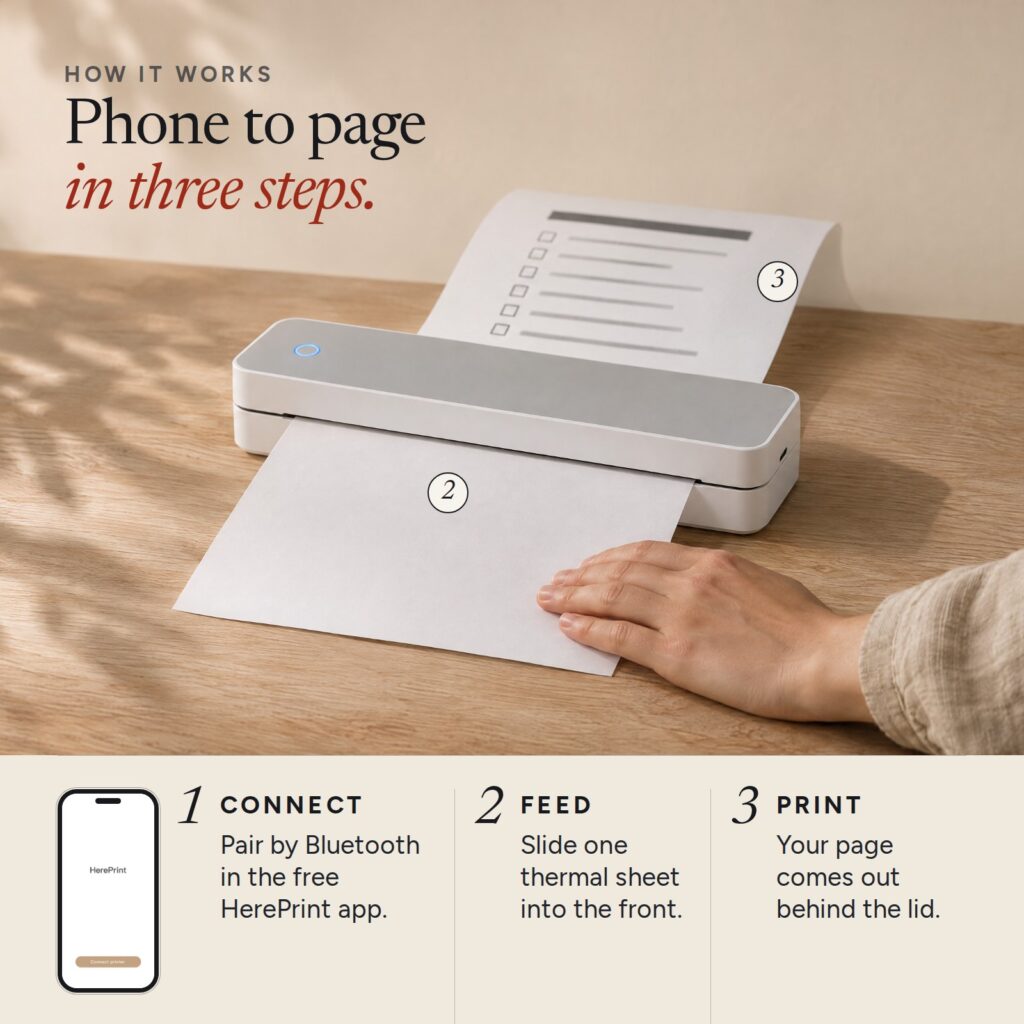
- 1
Get the free HerePrint app.
- 2
Tap Connect printer. Bluetooth, once.
- 3
Pick a file and print. PDFs, documents, web pages, photos.
| iPhone · Android | Bluetooth, free app |
|---|---|
| Mac · Windows · Chromebook | USB-C, free driver |
§ 04 In the box
Print the day it arrives.
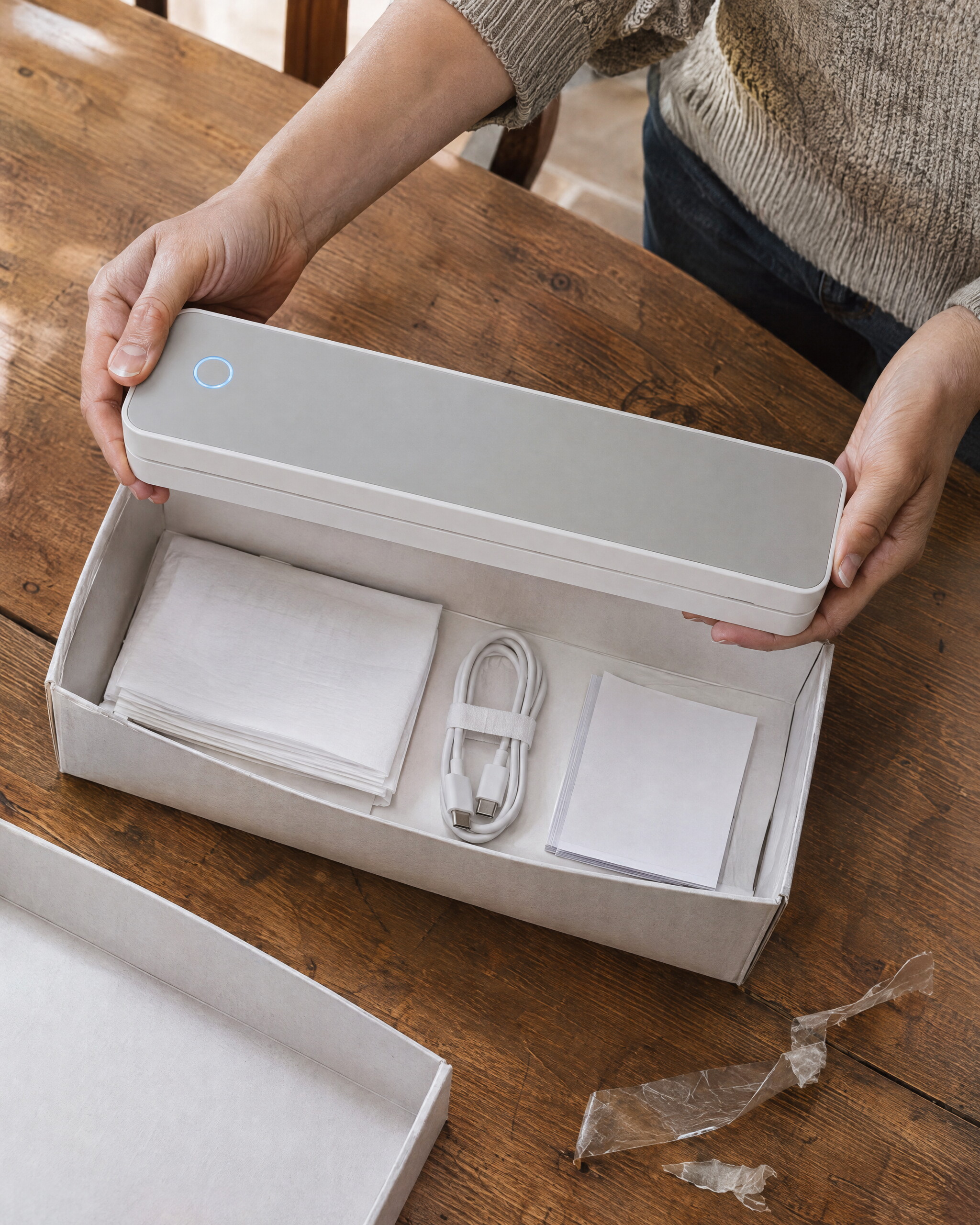
- The Leaf×1
- Thermal sheets, folded×10
- USB-C cable×1
- Quick-start guide×1
You bring: your phone or computer.
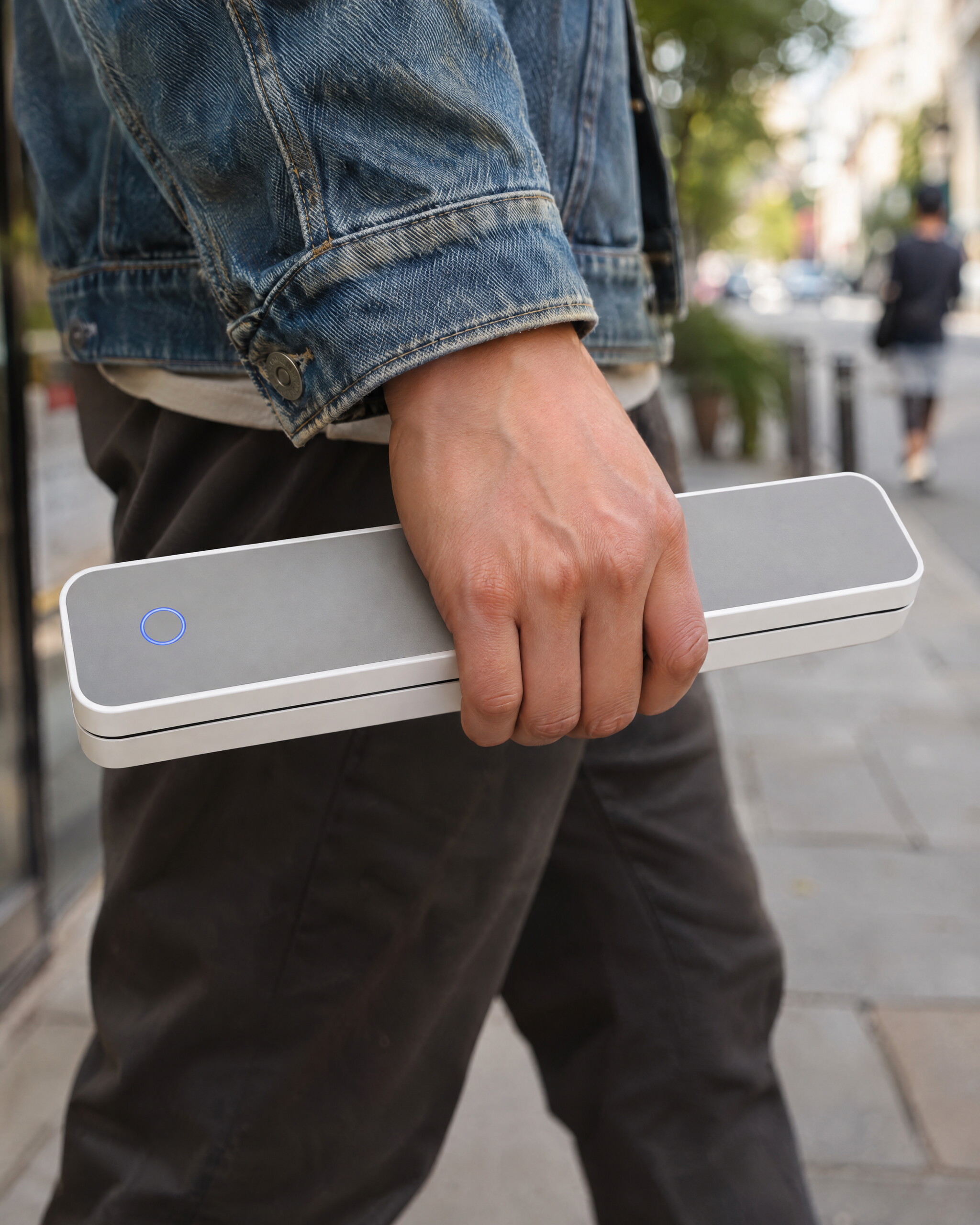
Carry it in one hand.
1.1 lbLighter than a laptop
10.4 inAbout a forearm long
2.2 inches deep, so it slides into a tote, a backpack sleeve or a carry-on. Charge it from the same USB-C cable as your phone.
§ 05 Questions
Before you buy.
The things people ask first. Anything else, write to us and a person answers.
Ask a person[email protected]Usually within 1–2 business daysDo I need a computer?
No. The free HerePrint app prints from your phone over Bluetooth. A computer is optional: Mac, Windows or Chromebook, by USB-C with a free driver.
What paper does it use?
Thermal paper, in Letter or A4. Plain copier paper comes out blank. Ten sheets come in the box.
Where do I get more paper?
From us: Letter or A4, 100 sheets for $19.99 or 200 for $34.99. You can also add a pack above, with the printer.
Can it print photos?
In black and white. Simple pictures print well; it isn’t a colour photo printer.
How do I charge it?
With the USB-C cable in the box, like a phone.
When will it arrive?
Shipping to US addresses is free. It arrives in 7–12 business days.
What if it isn’t for me?
Send it back within 30 days of delivery. How returns work
$149.
Ships free.
30-day returns · A person answers your email